You can now send money to Thailand instantly via PayNow

PayNow to Thailand main banner

The pandemic has seen a fluctuating curve in terms of recovery, and no one knows exactly when we can cross borders to visit our loved ones overseas.

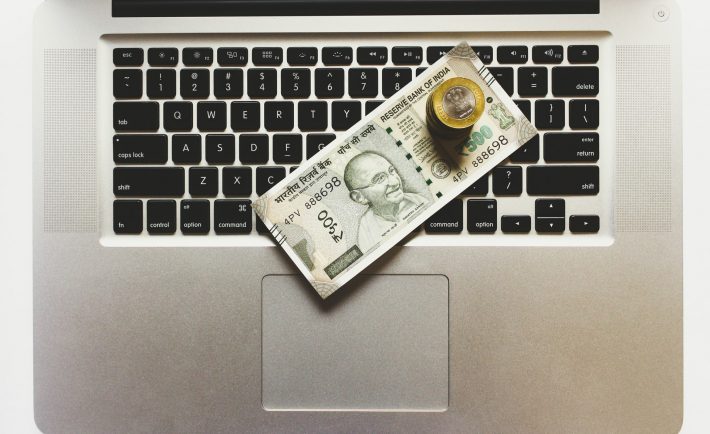
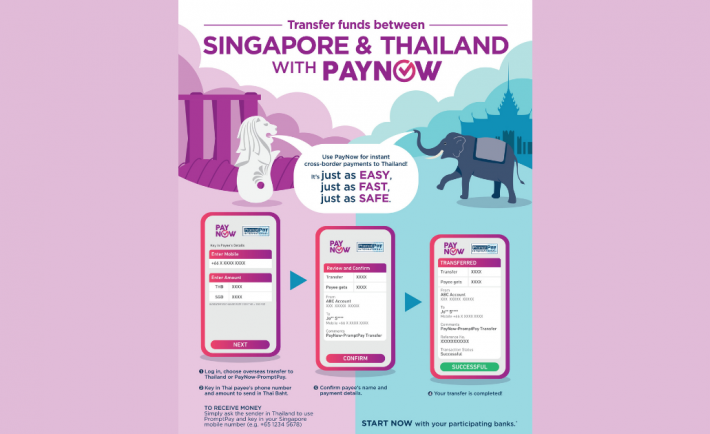
Financially, it can be worrying too. Thanks to Singapore’s PayNow and Thailand’s PromptPay partnership, users can now transfer funds up to S$1,000 or THB25,000 daily across the two countries. All you need is just a mobile number.

Real-time payment systems linkage

The Monetary Authority of Singapore (MAS) and the Bank of Thailand (BOT) shared that the transfers will be done in just minutes. This presents a much faster solution when compared to other cross-border remittance solutions.

Those who’ve sent money overseas before know that it takes up to two working days to complete a typical transfer process.

On our sunny island, the participating banks are the big names we know – DBS, UOB, and OCBC. In Thailand, there are four financial institutions – Bangkok Bank, Kasikornbank, Krung Thai Bank, and The Siam Commercial Bank.

What are the fees?

a woman holding onto an iPhone

Image Credits: unsplash.com

Convenience comes with a price to pay. But the MAS and BOT noted that the fees would be transparent and affordably priced. In addition, users will know the exact figure before proceeding with the transfers.

“Senders will also be able to view the applicable foreign exchange charges prior to sending their funds, with these rates benchmarked closely to prevailing market rates,” the central banks said.

ASEAN Payment Connectivity

As part of the ASEAN Payment Connectivity initiation two years ago, the PayNow-PromptPay collaboration has come into effect. This is in line with the overall aim to bring about more robust cross-border payment arrangements.

MAS managing director Ravi Menon mentioned that the PayNow-PromptPay linkage is only the beginning. Plans are in place to scale the system to involve other participants and even business transactions.

“MAS’ shared objective with BOT is to work with our ASEAN counterparts to expand this bilateral linkage into a network of linked retail payment systems across ASEAN,” Menon commented.

To that, UOB chief executive officer Wee Ee Cheong added that the PayNow-PromptPay linkage is a stepping stone to connect payment systems across ASEAN as we progress. This means that possibly more customers can transfer funds to their counterparts easily. They can also pay for goods and services within a few taps or clicks conveniently.

In fact, Thailand is already a step ahead with QR cross-border payment arrangements with other countries. This includes Laos, Japan, Vietnam, and Cambodia.

“This service by the MAS and the BOT will effectively address customers’ long standing pain points in the area of cross-border transfers and remittances including long transaction times and high costs,” said BOT governor Sethaput Suthiwartnarueput.

Not using PayNow? You might want to visit abs.org.sg/consumer-banking/pay-now for more information.
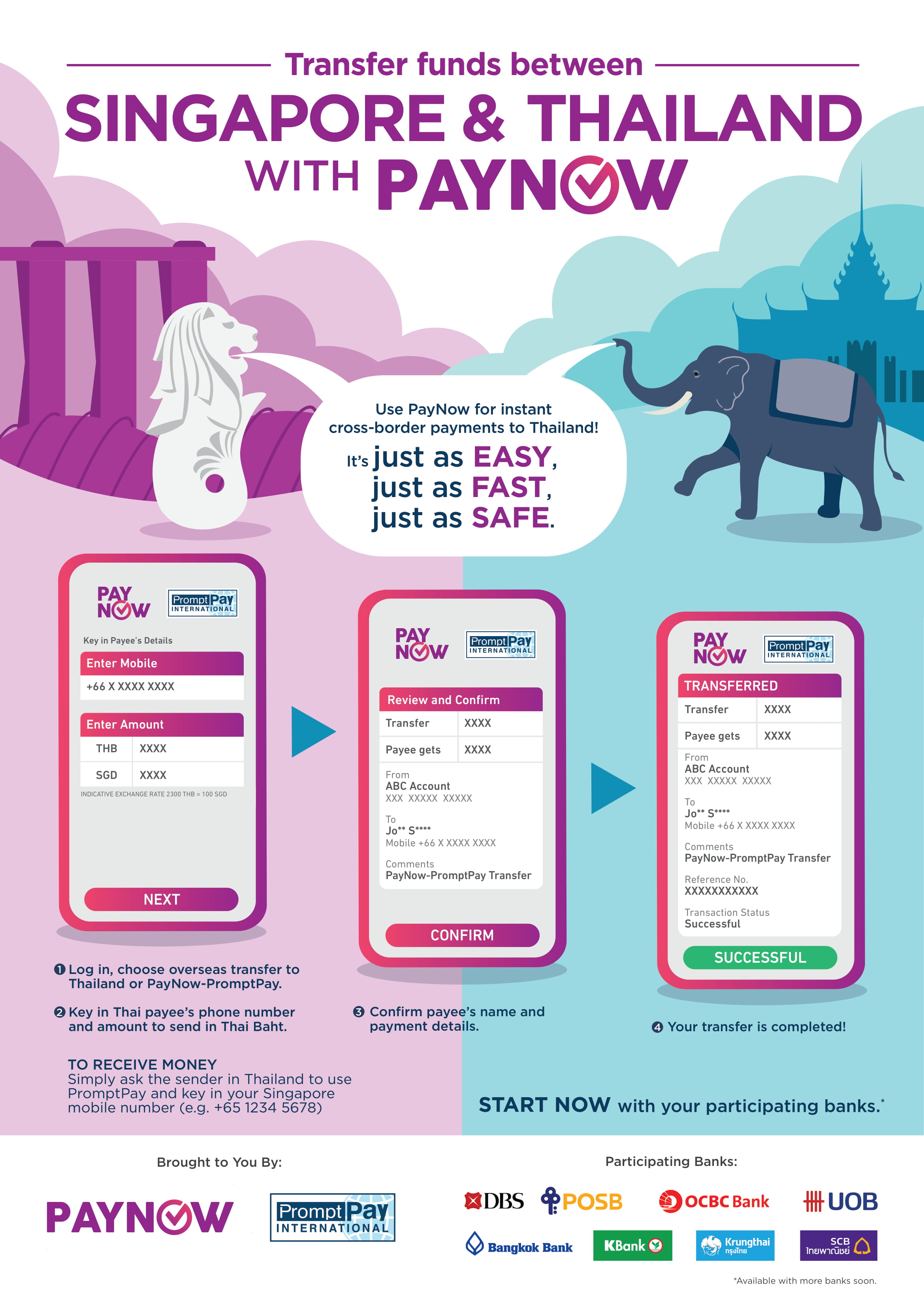
paynow-promptpay-linkage-infographic

Read More...

Things You Need to Know about Home Broadband

What is home broadband?

Broadband is a high-speed communication system that allows you to enjoy all things that the online world offers. Home broadband, therefore, means the communication system whereby all computers in your home are linked to the internet. Home broadband provides you with a quick internal network around the house.

How do I get home broadband?

All you need to do to enjoy using home broadband is hire an ISP (an internet service provider) who will supply the necessary equipment and supplies to get your home online. Most internet service providers offer their services through a fixed line, either in fiber or ADSL, referred to as copper. The main difference between these two lines is the kind of wire through which the internet passes. It is important to compare the deals and prices of different ISPs in Singapore. Hire the services of an ISP who offers the best deals at reasonable prices.

What are the benefits of having home broadband?

With home broadband, you can gain access to whatever you want from the internet. This kind of internet connection is more reliable and faster compared to the dial-up system. You can send and receive data faster, browse the web more easily, send and receive emails faster, and take a short time to download files. You can do other things using home broadband, including streaming videos and music and perform online banking, among other things. Home broadband also comes with increased security because outsiders will not gain access to it. The system is also more convenient in that you can access the internet whenever you wish.

What do I require to use home broadband?

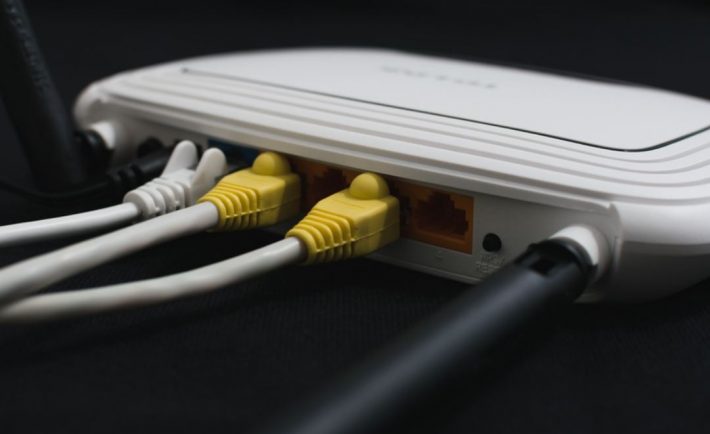
You will require software to help you access online services such as laptops, desktop computers, smartphones, games, or tablets. An ISP will have the service enabled. He or she will also post a broadband router and other necessary equipment. After enabling your broadband, you will only have to connect the router to the broadband after powering it, and you will be ready to go.

Read More...

6 Things To Consider When Buying A Laptop

In 2020, retailers and PC makers saw an incredible spike in laptop sales after the Circuit Breaker measures implemented the closing of schools and non-essential work premises. Electronics retailer Courts said that it experienced an “overwhelming demand for laptops because of the work-from-home situation”. Moreover, online retailer Lazada said that their sales of laptops increased by 80% following the Circuit Breaker announcement.

Having your own laptop or desktop computer is crucial to fulfill your roles in school or at work. As we transition to a digitally-centered world, you may consider purchasing a laptop soon. I just bought mine yesterday and these were the specifications that I researched for.

#1: SIZE AND FORM

You need to make sure that you pick a laptop that best suits your needs and personality. Depending on what you plan to be doing on your laptop, look for a size that is right for you.
For people who opt for portability, you may go for laptops with smaller screens. Look for laptops that have a screen size of 12.5-inches or 13.3-inches and a weight of 1kg to 1.5kgs. Smaller laptops are ideal for people who work mainly one emails, spreadsheets, and presentations. On the other hand, a bigger laptop is suitable if you edit videos on a regular basis.

As an editor or gamer, you can opt for a 15-inch model. This type usually comes with a powerful hardware such as a dedicated graphics chip for creating multimedia content and gaming.

#2: WEB CAMERA

Yesterday, I was faced with a dilemma involving the laptop’s web camera. I can either opt for a laptop with a better web camera and a slower processor or a laptop with an okay camera and a faster processor. I opt for the latter. I find it more convenient to purchase external accessories than to upgrade a laptop’s internal system. You may want to do the same thing too.

With the rise of video meetings and online classes, it is time for the web camera to shine! The 720p camera in most new laptops is more than adequate for your daily use. When buying an external web camera, you may consider its additional features such as unlocking your computer via facial recognition. Check the location of the web camera too.

#3: CPU

In most cases, notebooks come with a Core processor from market leader Intel. For many users, they are satisfied with the performance of the Intel Core Processor. Core i3-based notebooks are generally found in entry-level systems, while Core i5 are found in mainstream computers. The high-end processors are Core i7 and Core i9.

In a similar fashion, AMD processors have different conventions such as Ryzen 3, Ryzen 5, Ryzen 7 and Ryzen 9. Ryzen 9 offers the best performance.

#4: GRAPHICS

Produced by a graphics chip, the visuals you see on a laptop screen play an important role on how your experience your device. This comes in either a part of the processor or a separate dedicated chip.

For people who play games or produce digital content, having a dedicated graphics chip offer more options when it comes to controlling the performance. Know that the gaming firm Nvidia recently refreshed its entire GeForce mobile graphics chips.

#5: MEMORY AND STORAGE

System memory or RAM affects the responsiveness of a computer and its applications. The 8GB RAM should suffice most users. Those who edit videos and photos may need more RAM.

Another option is the solid-state drives (SSD) that are faster and more reliable. You should expect to have at least 256GB SSD. Ultimately, your lifestyle will dictate your needs in memory and storage.

#6: PORTS AND CONNECTIVITY

When it comes to ports and connectivity, an ideal laptop must have the HDMI port or USB Type-A ports. Moreover, you must check how fast it can connect to the wireless connectivity as most of us will be relying on the Wi-Fi router.

Image Credits: unsplash.com

When buying a laptop, you must strike a balance between all these features and your budget. You need to make some compromises based on your needs and your current funds. It is rare to be in a situation wherein all your boxes are filled, especially when it comes to the price. Good luck!


Read More...

What is nomophobia? Can you deal with it?

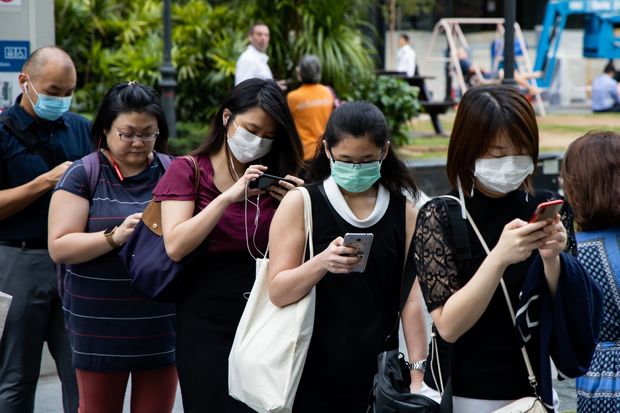
a queue of people using their phones

In the “new normal”, the decrease in regular in-person connection has skyrocketed digital devices usage. You might probably even be reading this right now on your mobile phone. With over 3.5 billion smartphone owners in the world as of last year, there’s bound to be a lot of screen time logged!

Even though going on social media and watching YouTube videos can provide an escape from our present lives and offer an invaluable convenience that we’ve never had before, this accessibility can easily lead to phone addiction.

Phone addiction has become so bad that it’s even given a label called nomophobia.

What is nomophobia?
a woman using her phone in Singapore

Image Credits: The Telegraph

The term nomophobia is made up of these words – no mobile phone phobia. It’s known as a psychological state where a person dreads being away from their phone.

Do you think you might be suffering from this condition? Well, if you’ve ever had an irrational fear of going somewhere without your phone, even for an hour or two, you might want to learn about how to combat this addiction.

Yet you might be wondering, why would you even need to stop using your smartphones as often? With quality cameras, Google at our fingertips, and an access line to our loved ones, there shouldn’t be any significant disadvantage to being addicted to our phones, right?

Wrong. If you’re not aware of the statistics, you should know that an average user touches their phone 2,617 times and unlocks it 150 times within a single day. In fact, it’s not just adults who are unhealthily attracted to their phones.

Dr Carol Balhetchet, a clinical psychologist in private practice, said, “Children love smartphones because it gives them easy access to a new world of information, social media and friends on a universal level, quite similar to the adults and everyone else.”

This amount of addiction can quickly produce noticeable physical effects, like the inability to concentrate, a feeling of isolation, lack of exercise, and a fear of missing out. Mental repercussions include loneliness and depression, anxiety, stress, superficiality, and less sleep. These issues can even be worse in kids and teenagers.

Thankfully, there are many practical tips to overcome phone addiction before it becomes too late. Keep reading for tips to stop your phone from overtaking your life.

#1: Enter silent mode

With a simple configuration, you can silence those phone notifications that compete for your attention and drag it away from your present task at hand. It’s one of the easiest ways to start tackling phone addiction.

#2: Drop the colours
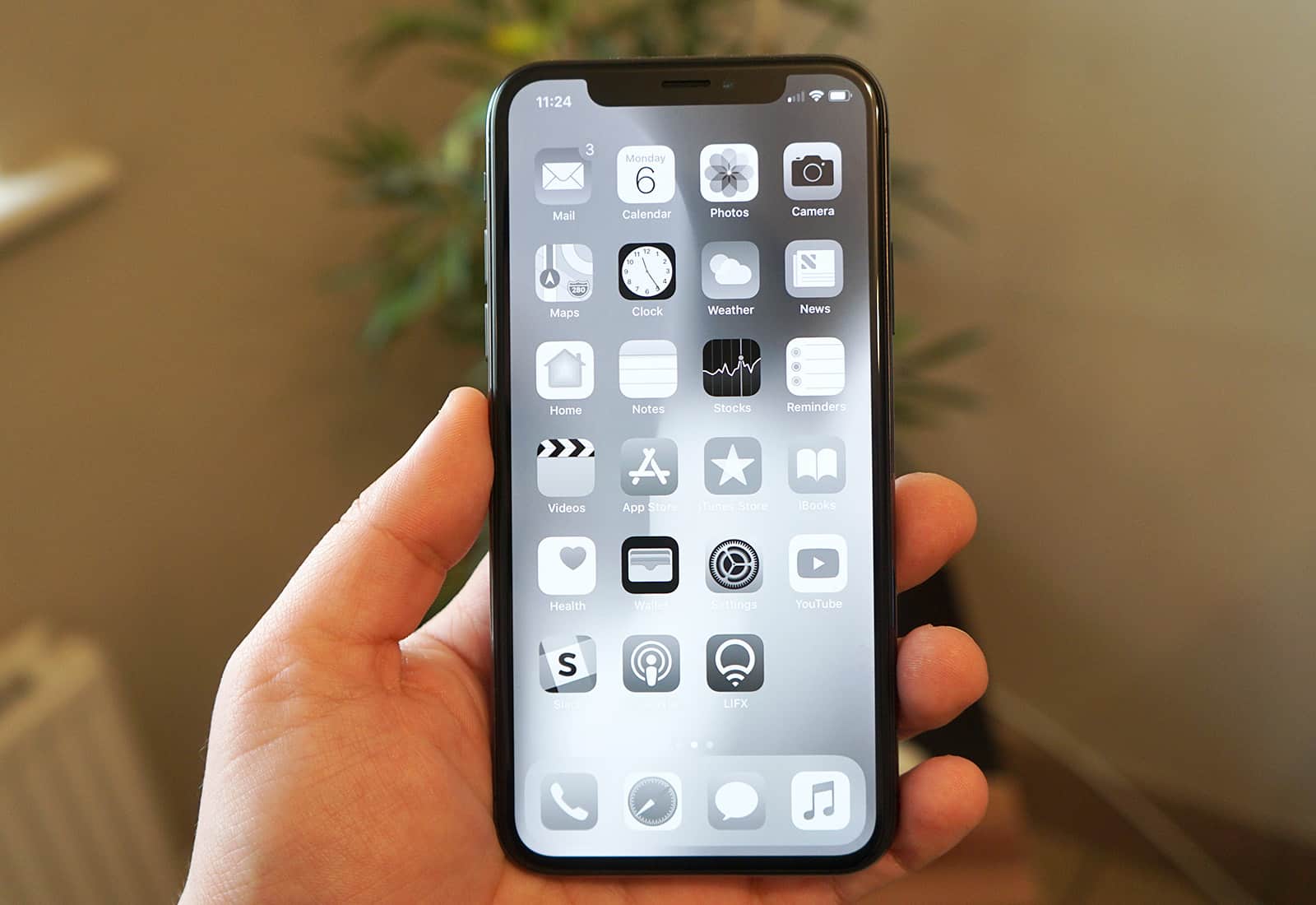
greyscale on iPhone

Image Credits: Cult of Mac

The more colours something has, the more psychologically appealing it may be to you. By turning on grayscale for your phone, staying on screen for more extended periods suddenly might not seem as attractive anymore.

Please don’t take our word for it. Former Google design ethicist Tristan Harris shared that going grayscale removes positive reinforcements and dampens that urge to keep up with mobile games or social media feeds.

#3: Set a screen time

Try downloading an app or using the pre-programmed feature on your phone to have it forcibly limit your screen time after a certain number of hours. It’s like going cold turkey, but it works. I have it on my iPhone, and it does miracles to stop me from doomscrolling.

#4: Put it at a distance
a mobile phone on the floor

Image Credits: unsplash.com

You know the saying, “out of sight, out of mind”? One of the reasons why phone addiction is so powerful is because we have it right within reach. If you leave it somewhere far from you, like in your closet or by your door, you will find it easier to forget about it.

For those working from home and need their phones by their side to work efficiently, by all means, go ahead. But peeps who are preparing to get their shuteye at night, putting it at a distance will assist you to sleep better.

#5: Leave it with someone

To truly commit yourself to tackle this addiction, you might want to leave your phone with a trusted friend or loved one. Share with them your nomophobia and advise them to not give your phone to you under any circumstances until an agreed amount of time has passed.

#6: Try decluttering
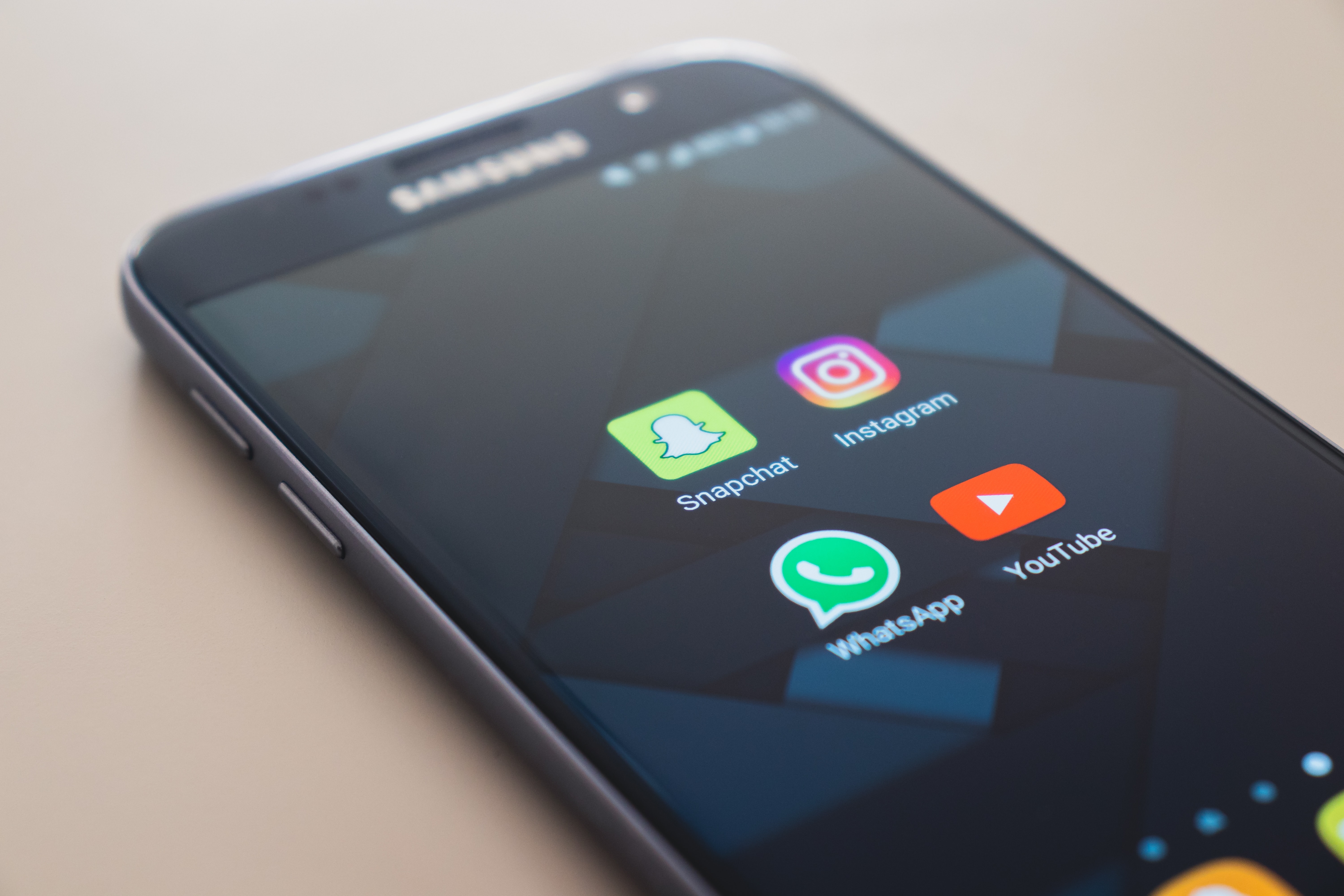
four frequently used apps on a phone screen

Image Credits: unsplash.com

For folks who have obsessive-compulsive disorder (OCD), keeping things symmetrical or in perfect order may resonate very well. But for those on the opposite spectrum, you may find your phone’s home screen flooded with all kinds of applications.

You know what? Just as you’ve done spring cleaning for Chinese New Year, do it for your smartphones right now. These seemingly harmless apps may be the culprit behind your increased screen time. We guess you don’t need to keep three photo editing apps on your phone, huh?

Reward yourself over mini-milestones

Trying to break away from nomophobia is hard work. Because it’s not easy, give yourself some rewards for your time and dedication.

Every mini-milestone you reach, go ahead and treat yourself to something nice. For example, if you’ve kept to your limited screen time for three consecutive days or a week, then isn’t that a valid reason to rejoice?

Read More...

Is TPG Telecom’s $18 for 80GB SIM-only monthly plan value for money?

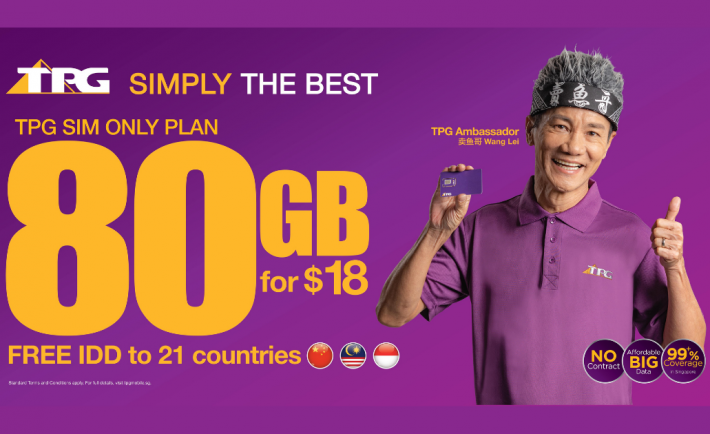
TPG Telecom $18 for 80GB SIM-only plan banner

If you find yourself constantly streaming movies in high definition using data, then TPG Telecom’s $18 for 80GB SIM-only monthly plan might be a great companion.

Mobile data provided under this plan is at 4G speeds. This puts it at a spotlight when contrasted to several other “unlimited” data plans in the market. We all know how there are plans out there that promise great numbers but is slapped with limits like slow surfing speeds once a user hits a period threshold.

Local outgoing calls & international direct dialling

TPG Telecom’s $18 for 80GB SIM-only monthly plan provides 500 minutes of local outgoing calls to 21 countries, including Malaysia, Indonesia, Bangladesh, and China. You can also enjoy up to 300 minutes of international direct dialling.

asian-woman-making-a-phone-call

Image Credits: Freepik

“We constantly challenge ourselves to provide the best value to our customers,” said TPG Singapore chief executive officer Richard Tan, recognising that in the immediate future, travelling abroad will likely be reduced.

Mr Tan noted the increasing demand for data. He adds that the company decided to launch this plan to provide its customers with more attractive options to stay in touch with their friends and family overseas, especially with the upcoming Chinese New Year approaching.

In 2019, when TPG’s trial period plan was running, the company offered its users free, limitless roaming data in Malaysia and Indonesia. But the new scheme will only provide roaming data of 2GB free-of-charge for countries such as Malaysia, Indonesia, Japan, and Thailand.

TPG became Singapore’s fourth telco in 2016

In April 2020, TPG started rolling out commercial services after acquiring a license in 2016 to become the fourth telco in Singapore.

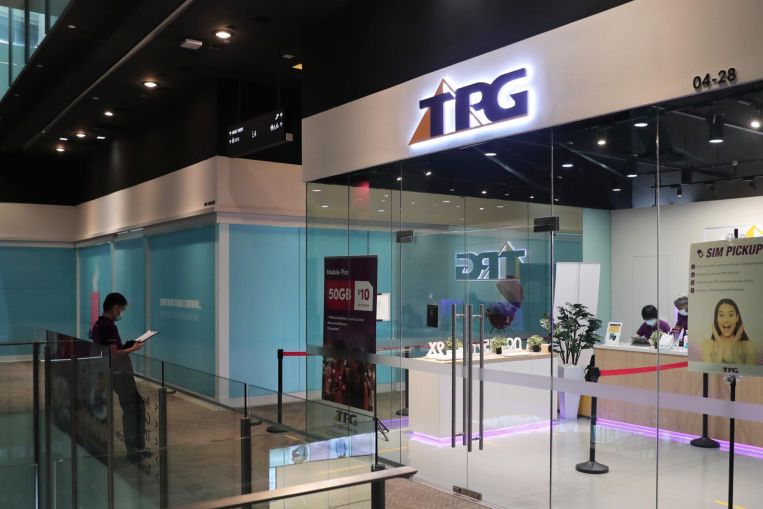
TPG Telecom offline store

Image Credits: The Straits Times

But they lost the rights to Singtel, StarHub, and M1 to construct Singapore’s two national 5G networks that same month. With that said, they still have the license to run smaller 5G networks that provide spot coverage using abundant airwaves.

When asked for more details on the coverage of the telco network, Mr Tan said TPG continuously complies with the in-building coverage audits of the Infocomm Media Development Authority.

“We already have full outdoor coverage and have recently achieved full coverage for road tunnels. Rail tunnel coverage retrofitting works are currently ongoing,” he commented.

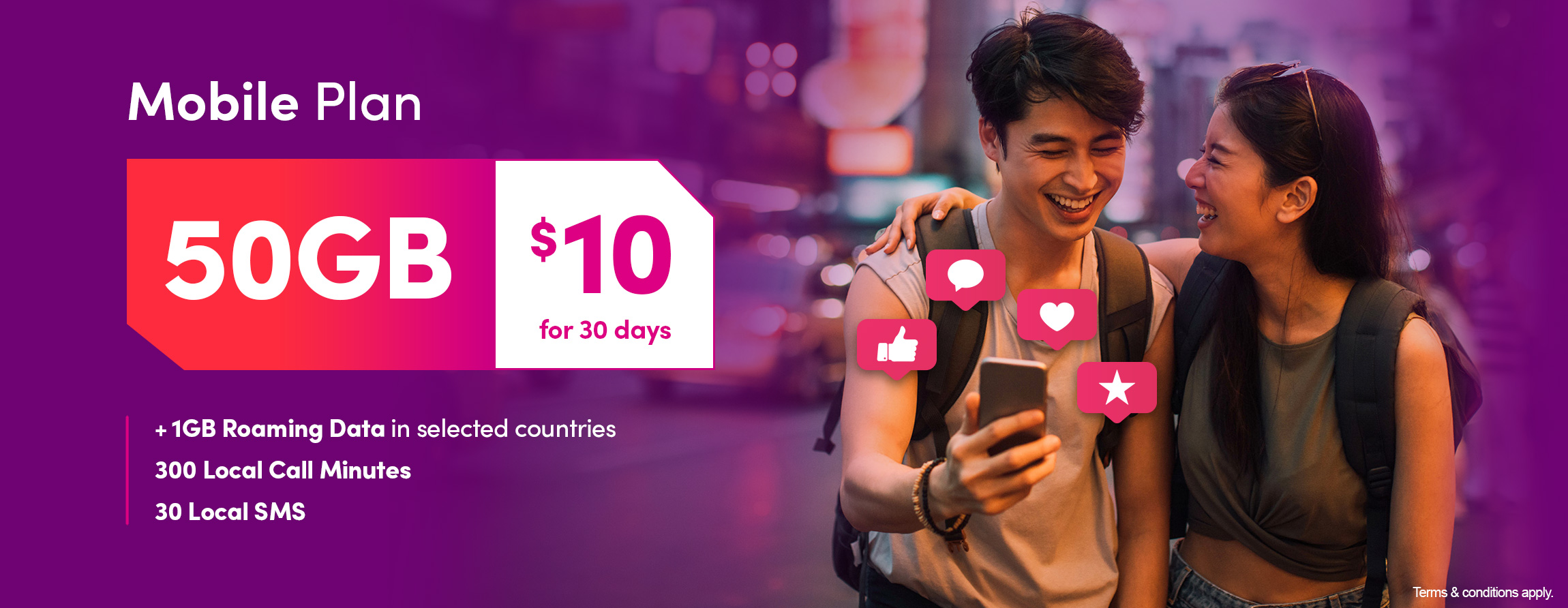
You may click through to access the TPG Telecom’s $18 for 80GB SIM-only plan webpage for more details. Think you can afford a data cut to pay a lower monthly price? Check out the $10 for 50GB SIM-only plan here.

TPG Telecom $10 for 50GB SIM-only plan banner

Image Credits: TPG Telecom

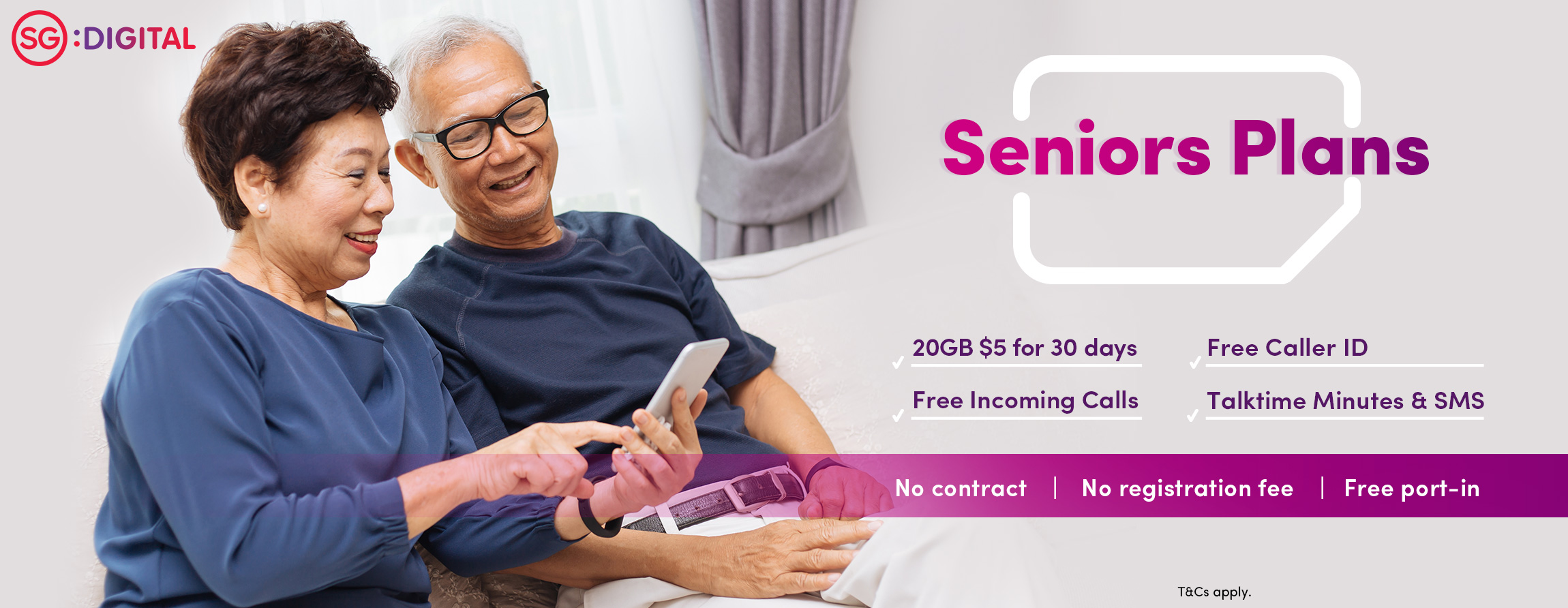
The telco is also offering a $5 for 20GB data plan (per 30 days) just for seniors. It’s only available for a limited time with no upfront fees and lock-in contract. Click through the link to find out more!

$5 for 20GB seniors data plan

Image Credits: TPG Telecom

Read More...