
People Are Raving Over Apple Singapore’s Floating Store

During Apple CEO Tim Cook’s last visit in December, he said that Singapore could use a third store as the Orchard branch was “pretty full”. Opening a new store may seem impossible given the global restrictions of the pandemic. Not to mention, Apple’s brick-and-mortar operations continue to grapple as the pandemic unfolds. In particular, the company has closed some of its stores due to the spike in COVID-19 cases in American states such as North Carolina, South Carolina, Arizona, and Florida.

Many retailers, like Apple, have closed its physical stores due to the current situation. Thus, it was surprising to see Apple’s third store in Singapore. In case you’ve missed, the spherical structure floating on Marina Bay Sands is Apple’s newest store in the country. The upcoming opening of this store is groundbreaking for Apple as it is its first store to sit on water. According to the company, Apple Marina Bay Sands aims to bring its renowned products at an iconic location. Its other stores are located on Orchard Road and at the Singapore Changi Airport.

Apple writes this on its website:

“We will soon open the doors to our new store by the Bay. Apple Marina Bay Sands will be at the heart of creativity, a place we’ve made for you to capture your ideas and passions. It will be a space for you to explore, connect and create something new. We can’t wait to see where your imagination takes you.”

Picture a giant futuristic orb that lights up at night and is situated on the country’s waterfront. This was designed by London-based Foster + Partners architecture studio. Although this was the first floating store for Apple, this was not the first time that a slot of water was occupied by a commercial establishment. Avalon, a large nightclub, previously occupied the space from 2011 to 2016.

Many Instagram and Twitter users have shared images of this eye-catching flagship. If you are in the area, there are two ways to access the store. You may visit it via a footbridge or an underwater passage connecting to The Shoppes at Marina Bay Sands. Can you imagine the picturesque scenery it can create at night?

The company did not provide any other information as to how big the building was or when it will officially open.

Here’s the main entrance from The Shoppes at Marina Bay Sands:

Let us just wait and see!

Sources: 1 & 2

Read More...

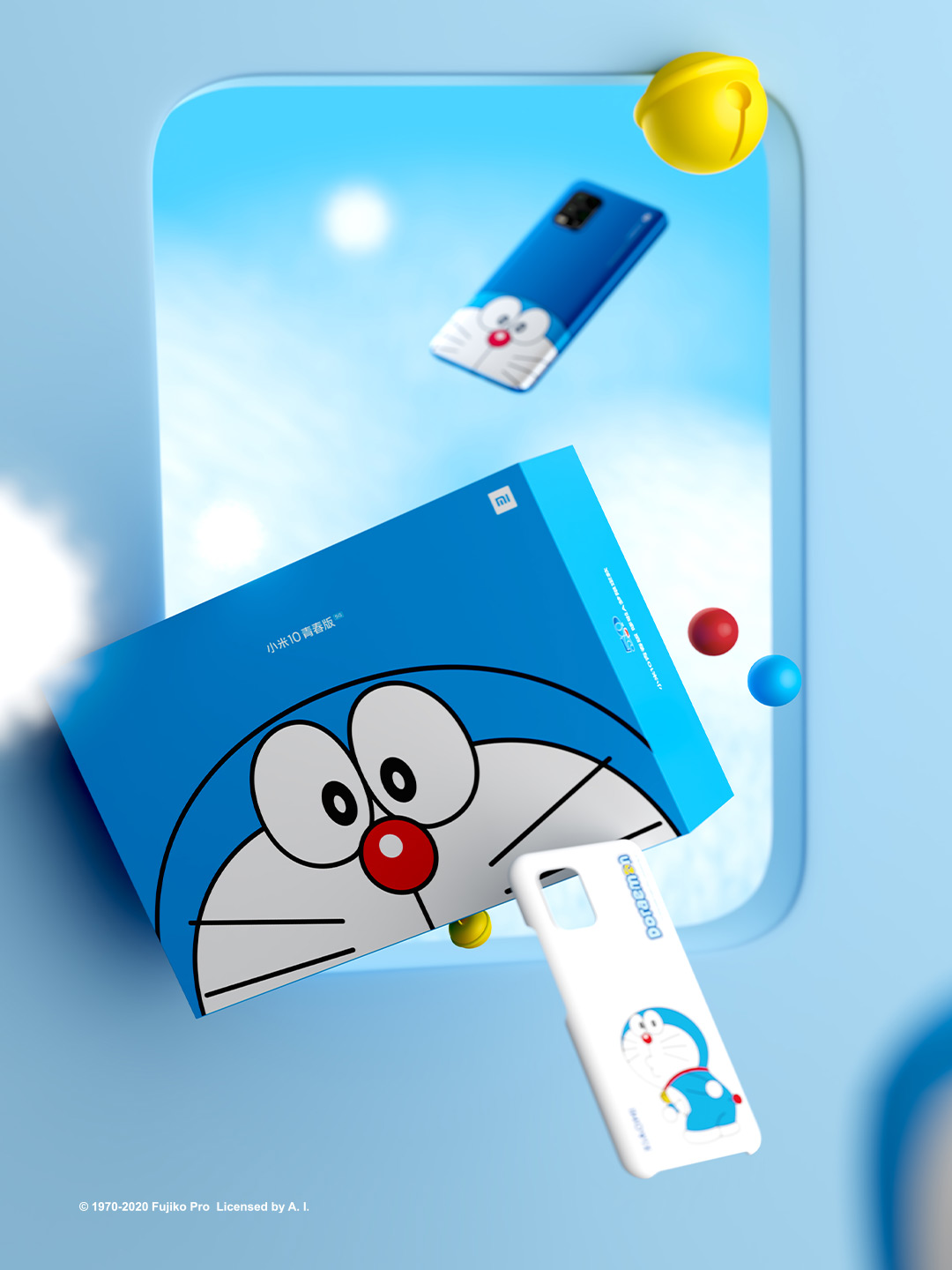
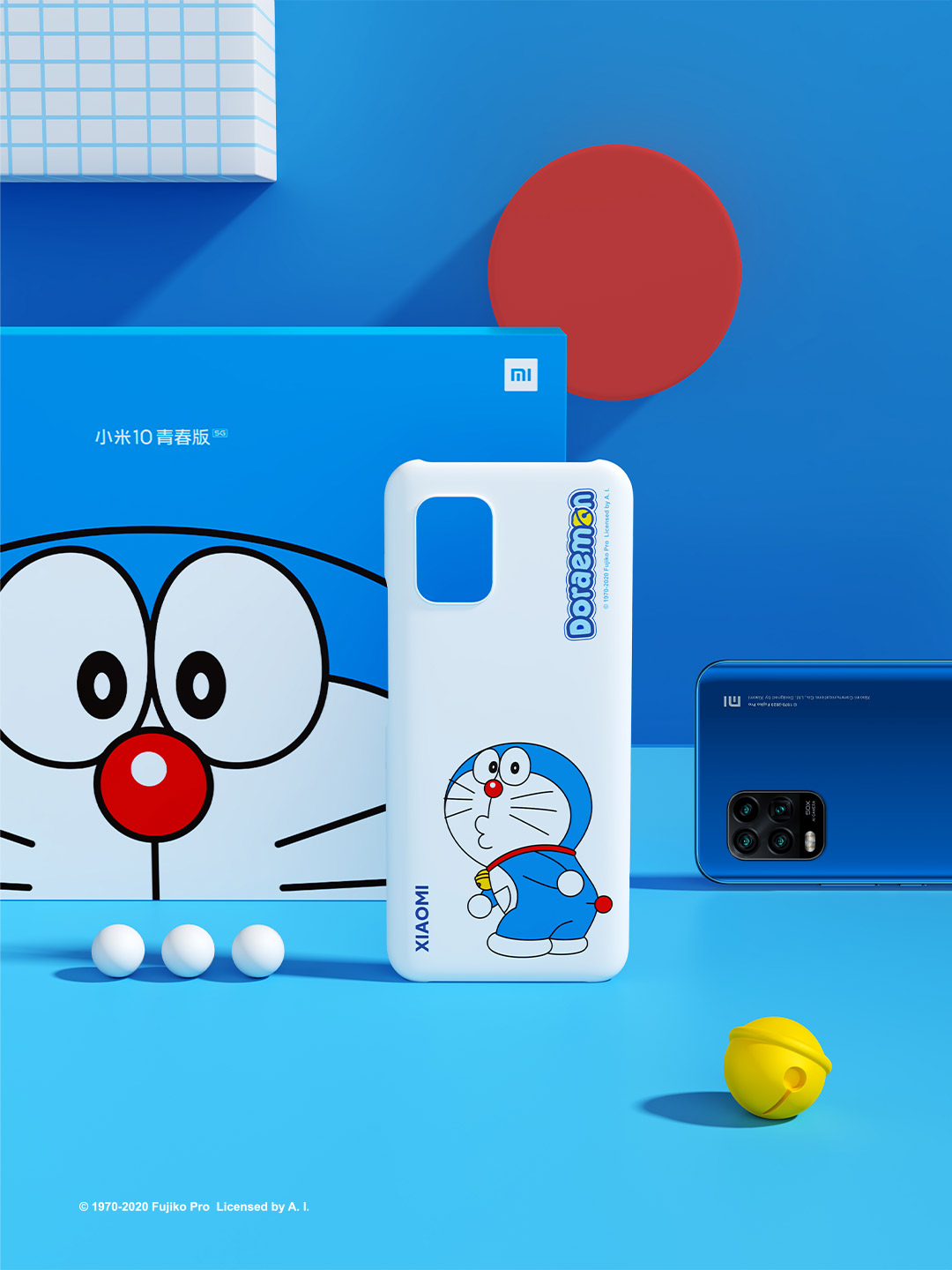
Xiaomi launches new Doraemon-themed Mi 10 Youth 5G smartphone for ¥2799 (~S$555)

Calling out to all Doraemon fans!

Xiaomi celebrates the 50th anniversary of Doraemon (哆啦A梦) by launching a new Doraemon-themed Mi 10 Youth 5G smartphone. The new smartphone which was announced yesterday is now available for pre-order on the Xiaomi China’s website and is expected to start shipping from 1 September 2020.

The Xiaomi Mi 10 Youth is powered by Qualcomm Snapdragon 765G chipset and comes packed with 8GB of RAM and up to 256GB of storage. It also sports a 6.57-inch AMOLED display and a quad-camera setup on the back featuring a 48MP main sensor, an 8MP ultrawide angle lens, a periscope lens, and a macro lens. It has a 4160mAh battery and supports 22.5W fast-charging.

The limited edition phone is currently available for ¥2799 (~S$555) on Xiaomi China, Mi.com. The set comes with a free Doraemon-themed cover and a Doraemon figurine.

You can try to order via third-party forwarder such as ezbuy to get it shipped to you.

Alternatively, the phone may soon be launched on their Taobao store on Tmall, so you can order directly and get it shipped to Singapore.


Get Free Samsung Galaxy Buds Live (worth S$288)

Read More...

You can now buy Google’s ‘budget’ Pixel 4a phone at 499 SGD

Google Pixel 4a

So you want to buy a new phone but what’s out in the market is too expensive? Have been eyeing Google’s Pixel 4 but don’t quite have the budget to buy? Say hello to the affordable alternative of Pixel 4 – the Pixel 4a.

From today (4 August), you can place a pre-order online in the Just Black variant through the Google Store, Courts, and Challenger. From 10 September, Amazon Singapore will start its online sales. In-store purchases will only be available from mid-October.

Here’s what you need to know.

#1: A QUICK LOOK

Google Pixel 4a

For 499 SGD, you will get these phone features:

  • Powered by a Qualcomm Snapdragon 730G Mobile Platform
  • Storage space of 128GB
  • 6GB of RAM
  • New re-designed hole punch front-camera that is embedded within the display
  • A 5.8-inch bezel-less OLED display screen
  • Protected with on-device security by the Titan M security module
#2: BONUS FREEBIES

The Pixel 4a will also come with these Google services:

  • Free YouTube Premium trial
  • Three-month Google One membership (100GB of storage) and Google Play Pass
  • Unlimited photo and video storage in high quality with Google Photos

T&Cs apply.

#3: CAMERA FEATURES

Google Pixel 4a Camera

Compared to Pixel 4, the Pixel 4a does not have a telephoto lens so you wouldn’t be able to achieve an exceptionally high-quality optical zoom. However, with its single-lens camera, you would still be able to get your perfect night time shots.

What’s available:

  • Live HDR+
  • Dual exposure controls
  • Social share
  • Portrait mode
  • Pet mode
  • Super res zoom
  • Fused video stabilisation
#4: BATTERY LIFE

In short, the battery life is great. It can last up to 24 hours by limiting the background battery usage of apps we rarely use. In addition to that, the Pixel 4a will also look into your charging history and predict if you will run out of battery before the next plug-in. 

#5: FINGERPRINT SCANNER

If you’re familiar with the Google phone series, you would have known that the fingerprint sensor which was found in Pixel 3 was removed in Pixel 4. Now, it’s back in the Pixel 4a! With that said, the Pixel 4a does not have face authentication or facial recognition mode. Which is fine… given that we’re donned in masks most of the time now.

#6: OTHER FEATURES

Google Pixel 4a Live Caption

There are also other features worth mentioning, like the live caption support for calls. This means that you can now automatically caption your phone calls, video calls, and calls made through apps like Google Duo or Facebook Messenger.

But of course, for safety reasons, when one activates the feature, the other person will be notified that the Live Caption has been switched on. And if you’re worried, all captions are processed locally and never stored in the cloud. Neither will it leave your device.

To add on to that, it also has a pretty responsive Google Assistant. Therefore, you can ask questions, text, call, search for directions, and even set reminders using just your voice.

Pre-order the Pixel 4a from the Google Store today!

Images are taken from CNA Lifestyle.

Read More...

Apply basic maintenance to your electronic gadgets to help them last longer

Electronic gadgets

With layoffs and lost job offers due to COVID-19, this period is probably not a good time to spend too much. With that said, while the new phone advertisements may be attractive, it’s better to think twice. There’s no better time than now to save for a rainy day.

I’m personally guilty of having the mindset of changing a new phone or laptop once it shows signs of slowing down. Well, apart from living in a fast-paced society, I’ve only got myself to blame. But you don’t have to be like me. Apply these basic maintenance tips to your smartphones and laptops to help them last longer!

#1: BATTERY INSPECTION
Battery health

Image Credits: youtube.com

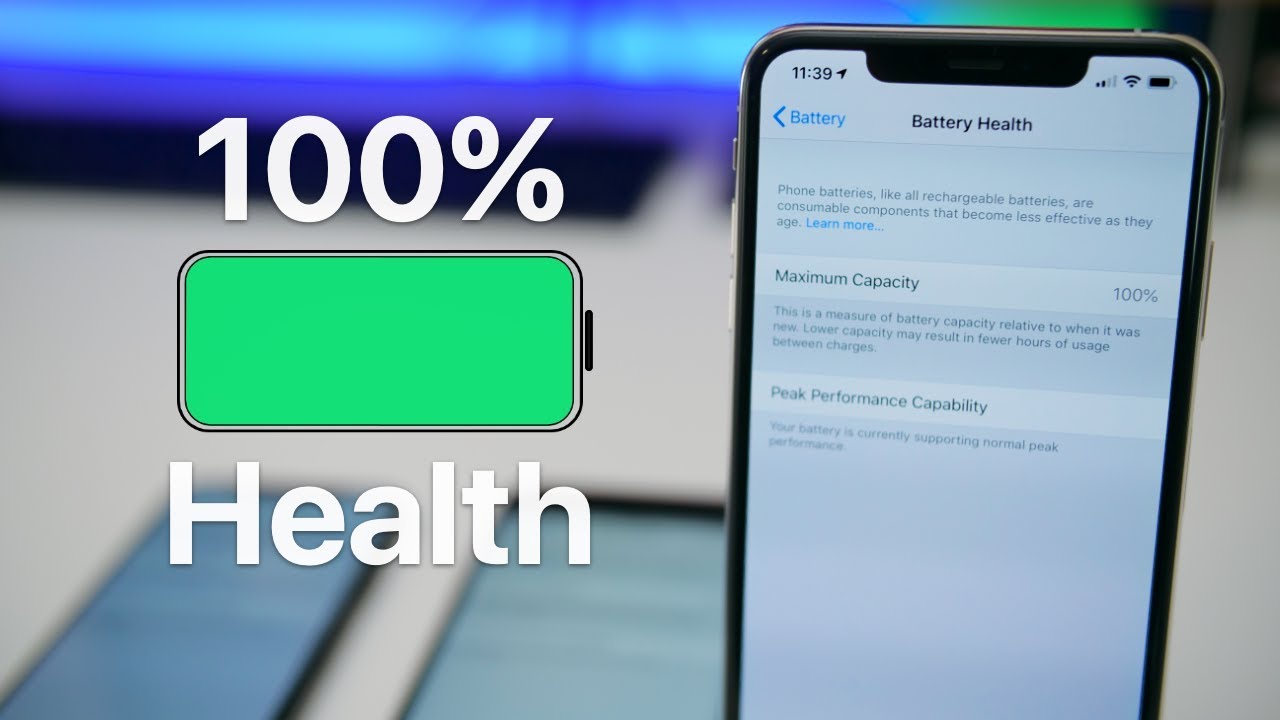
Prior to writing this article, I did a check on my phone’s battery life. The capacity is currently at 82%, which is considered an okay level. We will show you how to check yours in a while.

Just take note batteries that are charged more times than they can endure will become progressively worse over time. Think of it as the concept of wear and tear on clothes or on your car tires. If the battery capacity falls below 60%, it’s about time you change a new one. As in, a new battery.

Smartphones

If you own an Apple product, go to your iPhone or iPad and open the Settings, then tap Battery and select Battery Health. Android users can use third-party apps like AccuBattery to check on your battery’s health.

Laptops

For MacBooks, click on the Apple icon, then About This Mac and then the System Report. Next, click on Power to see the reading on your battery’s health. Windows users can use the app BatteryInfoView to check your battery’s capacity.

#2: SPRING-CLEAN YOUR DATA
Delete files on windows

Image Credits: lifewire.com

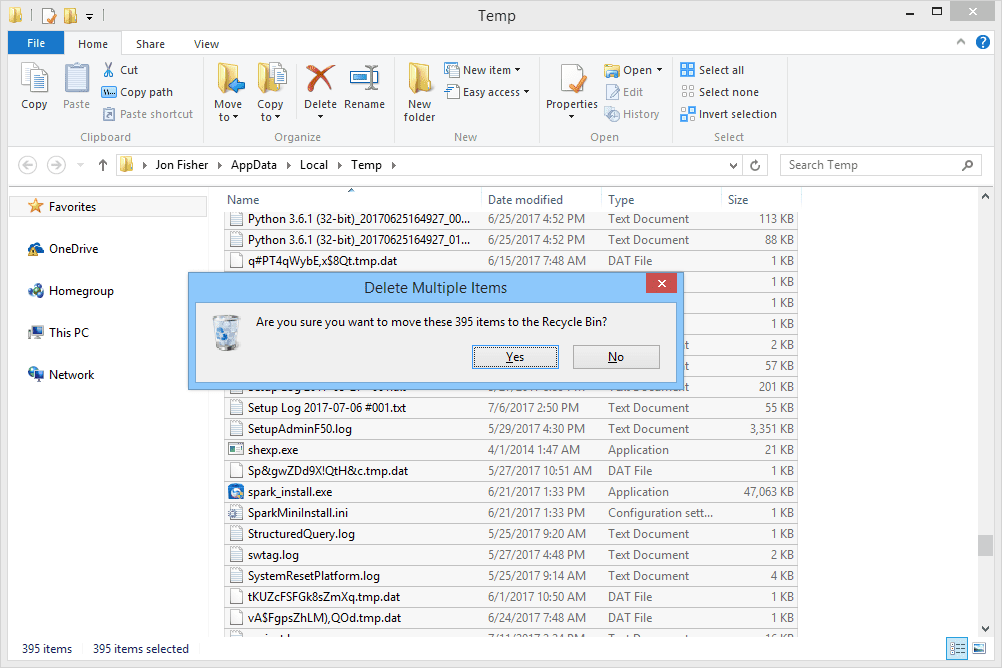
Like your home, your electronic gadgets require some spring-cleaning as well. One of the reasons why your smartphones or laptops are slowing down is because of the storage space it’s taking up.

To lift the weight off your storage, delete old or irrelevant data regularly. If you don’t have the time to do so as often, then set a reminder to clear it as at least once a year. Maybe mid-year’s a good time?

Smartphones

As an iPhone user, I often take advantage of the iPhone Storage tool to see my last used apps and how much space it’s taking up on my device’s storage. If you own an iPhone too, go to Settings > General > iPhone Storage to see yours. For Android users, look out for the tool called Files.

Laptops

Not sure where to start deleting? Open a folder and sort the files based on date. Chances are, you may find documents that you’ve not opened in a long time. For the fickle-minded, investing in an external storage device and transferring your files over to it is a good idea. This will greatly offload the operating system, helping it to run faster and longer.

#3: CLEANING ROUTINE
Clean your phone tools

Image Credits: Business Insider

This time round, we’re really recommending you to clean your devices, physically. We’re not talking about just the surface. Though that’s important too, since your phone is 10 to 20 times dirtier than a toilet seat.

Dirt fragments clogging up your electronic gadgets can lead to overheating. Overheating is a big no-no, as it shortens the lifespan of your devices.

Smartphones

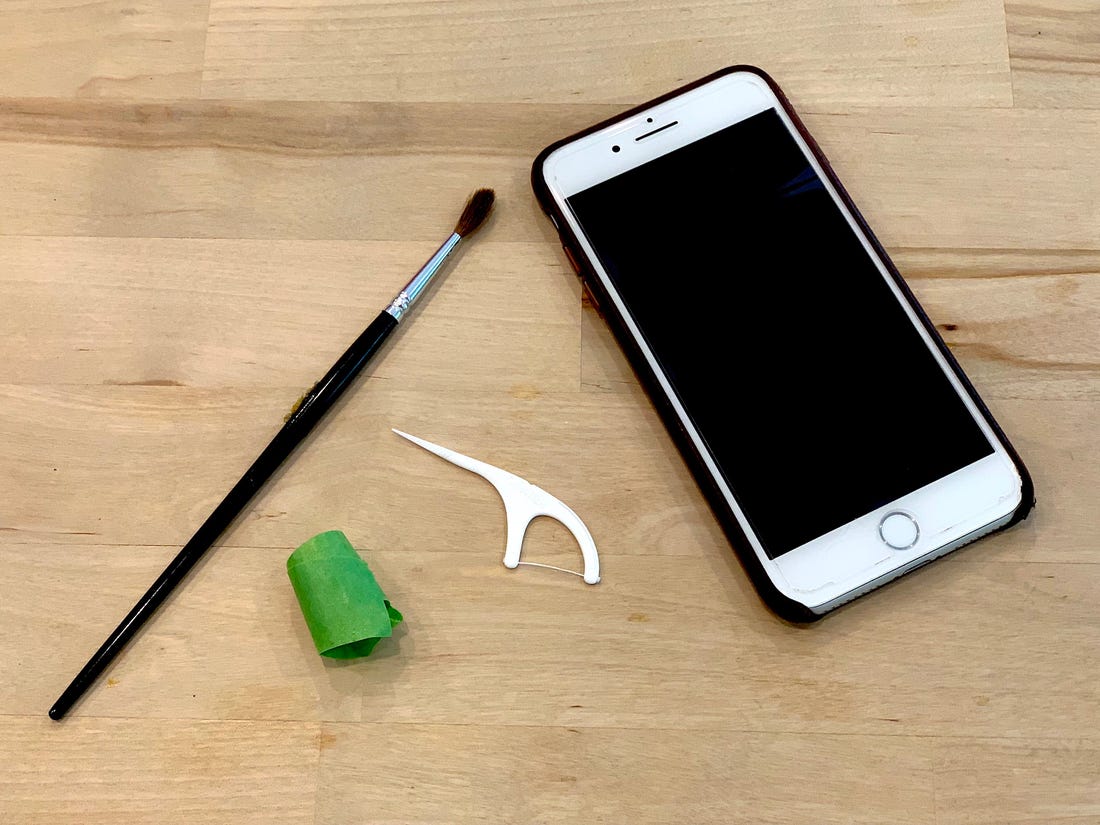
Shine a torch and check the ports. Dust and tiny food scraps may sometimes be stuck in the charging ports. This might slow down the charging process, lengthen the time needed for a full charge, and cause unnecessary overheating.

Laptops

Open up your laptop or desktop to clean the fans. Just like your ceiling fan gets dust stuck onto the blades, your device’s fans also pile up dust and even hair strands over time. A dust-filled fan will run slower and in turn, result in overheating of your laptops. You can get rid of the dust using a small vacuum cleaner.

We hope you’ve found what we shared useful. Know of other valuable tips and tricks? Let us know!

Read More...

Ways to conserve water at home

Tap water

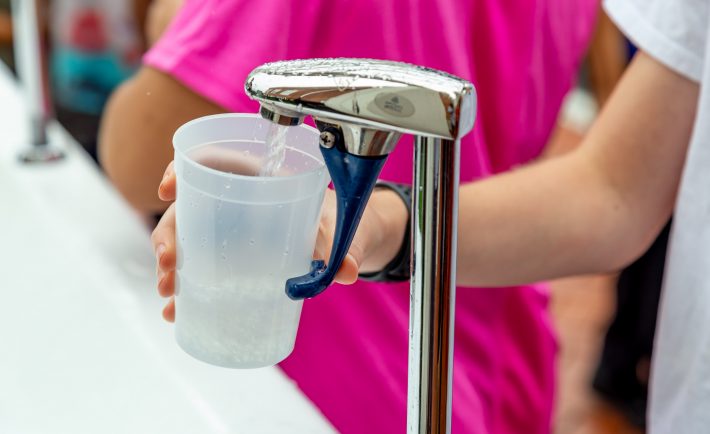
Based on the Public Utilities Board (PUB)’s Household Water Consumption Study in 2018 / 2019, showering accounts for the highest water usage at home. Flushing takes up to 17% and the water used in the kitchen at 16%. An average person uses up to 141 litres per day in 2018. To put it into perspective, that’s about 94 bottles of coca-cola (1.5-litre size) per day!

While Singapore has a sustainable supply of water through these years, it’s up to each and every one of us in the community to help conserve it. As such, we’ve researched several ways to conserve water at home. Follow some of these tips if you want to save water or attempt to bring down your monthly water bills.

#1: REMEMBER W-A-T-E-R

As advised by PUB, they have come up with water-saving tips using the mnemonic W-A-T-E-R. Here’s a quick look:

  • WASH clothes on full load. This means if you have to pile up laundry, here’s the reason to justify your procrastination. However, a full load does not mean overloading. Make sure they are about 3/4 filled so your clothes can swish-swash freely and be cleaned properly.
  • ALWAYS use half-flush when possible. As we’ve mentioned earlier, flushing takes up to 17% of our total water usage. If you can’t reduce the times you visit the loo, then at least utilize the half-flush for liquid waste.
  • TURN off the shower when soaping. If you have to take your own sweet time to soap and make sure you’re squeaky clean, turn off the tap while doing it.
  • ENSURE tap is off when brushing teeth. Similar to the previous point, do not let water run unnecessarily if possible. If you have to, use a mug to contain the water you need to rinse your mouth.
  • RINSE vegetables in a container. Again, this is similar to the concept of running water needlessly and mindlessly. In fact, you might get rid of sand and pesticides better by soaking in a container than washing it under running water.

#2: LOOK OUT FOR LEAKS

Wander why your sinks are never dry? Or the bathroom floors are always wet even after hours of not using it? It might be a leak somewhere so do a check to see where the source is and repair it.

I’m personally guilty of leaving water leaks untouched simply because the damage doesn’t seem big enough at that particular moment. But that one drop of water will become a bottle of water, eventually, litres and gallons wasted over time. So please don’t underestimate that small leak thinking that it’s insignificant. Every little drop adds up!

#3: REQUEST FOR A WATER-SAVING KIT

PUB Water Saving Kit

Image Credits: PUB

How about gifting yourself a free gift? Those without water-efficient faucets at home, you may request for a water-saving kit via PUB’s website. The set will come with three- or four-hole metal rings that you can attach to your tap or showerhead to regulate water flow. By using the kit, you can save up to 5% of your monthly water usage.

#4: REUSING WATER

There are different ways to reuse water. If you own freshwater aquariums, do not discard the water when cleaning and refilling. Use the ‘dirty water’ to water your plants instead. If you’re able to collect rainwater, you can also use that for your gardening needs too.

When showering, leave an empty bucket or two beneath your shower head and use the collected water to flush toilets or wash floors. You can also gather the water discarded from laundry to do the same. If you have any other innovative ideas of reusing water, do share it with us!

#5: BUY WATER-EFFICIENT PRODUCTS

We’re not asking you to shop online or head to the retail stores right away to buy yourself water efficiency labelling scheme (WELS) products. But the next time when your washing machine breaks down and you need a replacement, consider purchasing WELS rated products.

The water you save today means savings for tomorrow.

Read More...