

Exclusive Money-Saving Tips For Women

Let us face it! Men and women have different ways of spending their money. Women face different societal issues too. Since personal finance is not taught in most schools, you will learn most of your financial knowledge while handling your own money. Following these essential tips is beneficial at any age.

#1: KEEPING A ROBUST FINANCIAL PLAN

The trend of rising separation and divorce rates poses risks for many women. In many cases, these women are dependent on their husbands. They could be left with less assets when a marriage tears apart. This is why you must keep a robust financial plan, which will cover your entire family. Recognize that you are in full control of your financial decisions. Use your foresight to keep your own savings and investments.

#2: LIFE INSURANCE FOR LONGER LIFESPANS

Numerous studies highlighted that women tend to lead longer lives than men. Singaporean women, on average, were seen to live five to six years longer than their partners. This means that you are encouraged to support your family during your twilight years.

If your family savings are spent on the children’s education needs and the husband’s medical bills, there will not be much left after he dies. You need to start planning now. You will be better-equipped if you have financial literacy and a good life insurance policy.

#3: MAKE MONEY WORK HARD FOR YOU

We have to admit that gender pay gap happens all over the world. There is a significant pay gap across fields, with women earning less than men. Furthermore, many women are employed in temporary work such as taking on the caregiver role. A Blackrock survey manifested that while 40% of men felt confident that they will have the income they need in retirement, this was true for only 30% of women.

Women must let their money work hard for them by setting a specific budget every month and sticking to it. They must diversify their portfolio as well to take advantage of the accumulated wealth and to have a comfortable retirement.

#4: BE PREPARED FOR THE UNEXPECTED

Certain illnesses such as pregnancy complications can only be experienced by women. Women are more prone to musculoskeletal problems and some critical illnesses such as breast or cervical cancers. You need to be prepared for the unexpected!

Image Credits: pixabay.com

Image Credits: pixabay.com

Get an insurance that covers hospitalization and critical illnesses. You do not need to depend on anyone for your protection!

Source: 1

 

Read More...

Financial Planning In The Wake Of COVID-19

Financial planning has never been an easy task, but the pandemic has made it even more difficult. Finance professionals are used to consistency and accuracy. They are not trained to plan for unclear economic conditions. No one is! The five-year plan that we are supposed to send to our supervisors is now completely out of the window.

How can you plan for your finances, if you do not know what is going to happen in the future?

#1: HAVE A ROBUST PLAN

You can better understand your financial resources such as investments and cash flows, if there is a robust financial plan in place. A comprehensive plan covers the ares of budgeting, investment, insurance, retirement, credit, and estate planning. When these areas are well covered in a sound financial plan, you have a greater clarity on how each financial decision affects another.

Specifically, the financial-planning team should focus on the following five steps: getting a clear view of the company’s position, building a fact base, aligning the financial plan to a concrete direction, determining the best moves, and identifying the trigger points that prompt businesses to adjust.

#2: KNOW WHERE TO START

Companies and individuals must know where to start. To get this, you need the support of experts. Together, you can see the historical and current financial trends. The January 2020 financial plan can be a good place to anchor on. This can help you to establish any assumptions that will need to change as a result of the pandemic.

#3: ENSURE THAT YOU HAVE POSITIVE CASH FLOW

Set up a realistic budget, which indicates your money inflows and outflows. Having an emergency fund that covers you for three months can ensure that you have enough liquidity to tide you and your dependents during financially difficult times. Doing so will give you some peace of mind even if you suffer temporary setbacks such as losing a job or are unable to make a living because you must be quarantined

#4: GET INSURANCE COVERAGE

Insurance is a means to cushion against financial losses and unexpected events. Find a suitable hospitalization and life insurance plan to cover your hospital bills and critical illnesses. There are also insurance plans that are related to growing your savings like endowment plans and investment-linked insurance plans.

Image Credits: pixabay.com

Focus on what you can control. Set up a sound financial plan, carve a realistic budget, get insurance protection, diversify your investments, and commit to a long-term strategy to achieve our life goals.

Sources: 1 & 2


Read More...

Newbie’s Guide To Mobile Wallets In Singapore

Much like you, I constantly find myself in a sea of recommended YouTube videos. The other day, I chanced upon a GQ video, which highlighted an athlete’s collection of items that he cannot live without. He said that he cannot live without his phone. You see, his phone has a card casing. This phone casing stores his credit card and house keys. Gone are the days when you need to carry large wallets to stash all your valuables!

These days, everything you need can fit inside your pocket. Your mobile phone is a powerful device that can scan documents, track calories, book rides, and snap selfies. All you need to do is to instruct it. You may also download a mobile wallet.

When it comes to handling money matters, you can maximize your gadget by downloading a mobile payment app or a mobile wallet. Singapore’s unified QR code can accept payments from 27 digital methods such as GrabPay, AliPay, FavePay, Nets, PayLah! and Dash.

WHAT IS A MOBILE WALLET?

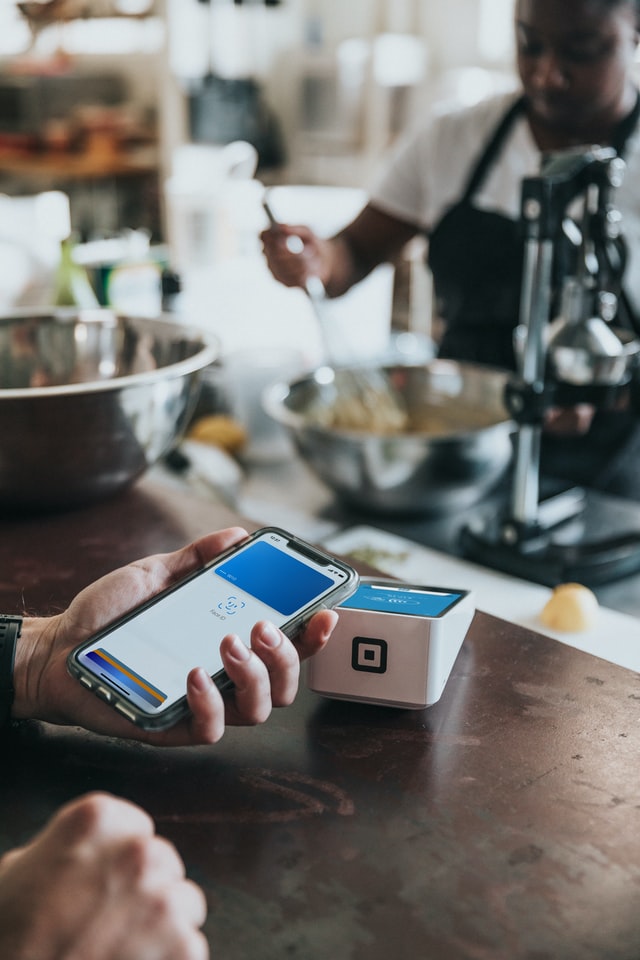
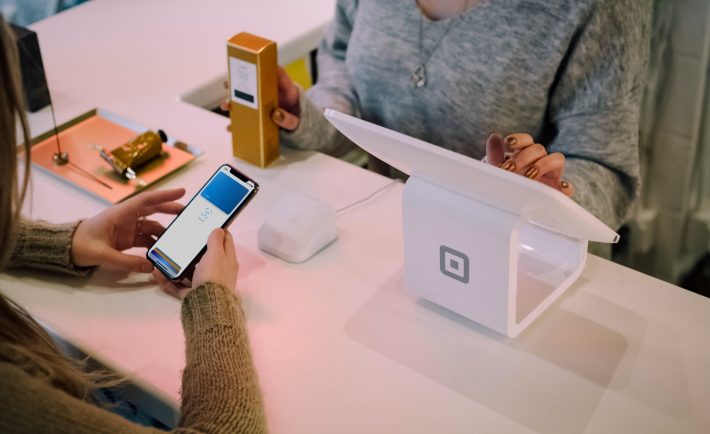
A mobile wallet is a virtual wallet that keeps payment information on your mobile device. It is a convenient and a cashless way to pay your bills. Whether you are paying for your lunch or splitting the bill with a friend, you can use your mobile wallet in Singapore and abroad. For instance, you may use UOB Mighty in Malaysia and Thailand. While, Alipay and WeChat Pay can be used globally.

WHERE CAN YOU USE THE MOBILE WALLETS?

#1: TO TRANSFER FUNDS INSTANTLY

Say that you went out for a quick grocery run with your friend. To split the bill, you may transfer money to his or her mobile number or NRIC/FIN that has been registered for DBS’ PayNow digital bank. You do not have to worry about getting the bank accounts right away!

#2: TO GIFT MONEY TO YOUR FRIENDS AND FAMILY

Did you just attend a virtual wedding thru Zoom? If you cannot figure out what to get for the couple, you can consider gifting a virtual red packet. Send money through your mobile wallet and the receipient will receive it immediately. It makes for an eco-friendly and a practical gift!

#3: TO RECEIVE CASHBACK AND REWARDS

If you frequently use your mobile wallet for purchasing your airline tickets or for cafe-hopping, you will most likely receive reward points or cashback benefits. You can save quite a lot of money by using the right mobile wallet.

#4: TO GET YOUR CRAVINGS SATISFIED

It is lunchtime and you have not cooked anything yet. Fortunately, there are several food apps that can deliver right in your doorstep. You do not have to endure long lines and to risk your health by going outside. Collect your food through the GrabFood app and pay it through GrabPay. GrabPay is rapidly adding and growing its network of partner merchants, as well as adding services like GrabFood and GrabDelivery.

#5: TO INSURE YOURSELF BEFORE YOU TRAVEL

Whether you are going of on a quick weekend retreat or a big adventure, buying travel insurance to cover unforeseen events can save you. You can purchase a travel insurance plan through the DBS PayLah! app just before your departure. It only takes a few minutes to complete.

#6: TO PAY BILLS

Several banking mobile payment apps allow you to pay your bills on time. Use your mobile wallet app to settle your phone bills, fitness club membership fees, insurance premiums, and more. You can do all these while you are outside or while you are inside your home.

Image Credits: unsplash.com

Having a mobile wallet is necessary and helpful given the current situation. Simply ensure that you secure all your details before you use it. Stay safe!

Sources: 1 & 2


Read More...

How To Secure Your Device When Shopping Online

In a recent survey, 1 in 4 Singaporeans have adopted mobile payment. In 2016 alone, over 30,000 retail points in Singapore enabled cashless payment. The most popular online wallets include DBS Paylah!, Apple Pay, and Android Pay.

You can only imagine how much growth the cashless payment received due to the Circuit Breaker period! People have been leaning towards this payment scheme due to the lack of face-to-face interaction that comes with it.

A mobile wallet stores payment information on your mobile device and lets you transact painlessly. It is fast and convenient. The downside? You are vulnerable to cyber hacking. On that note, here are several tips that you can use to secure your device while you shop.

#1: ENABLE THE TWO-FACTOR AUTHENTICATION

Two-factor authentication gives you an added layer of protection. Enabling this will let you control your purchases. You will be notified whenever your card or your online wallet is in use. You will get a message or an email asking for your verification code. This is something you have to put to pursue the online transaction. This will alert you in case fraudulent transactions are about to take place.

#2: BE VIGILANT AGAINST BOGUS SITES

Notice every little detail such as the web address. Cyber criminals use similar characters in the web address to virtually trick you into putting your bank details and other personal information. For instance, you may shop in amaz0n.com instead of amazon.com. Consider using tools such as Google Safe Browsing to check the current safety status of a website.

#3: PAY WITH CREDIT CARD

Credit cards are not tied to your savings account. Furthermore, it often offers fraud prevention and protection services compared to debit cards. If you use a debit card on purchases, the money will automatically be taken out from your savings account. Treat debit cards like cash. In contrast, credit cards enable you to have enough time to dispute fraudulent charges. Seek the help of the bank to investigate the incident. It is a good habit to regularly check your billing statement and your weekly transactions online.

#4: DO NOT SAVE YOUR CREDIT CARD INFORMATION

Some online retailers, like Lazada, offer the option of storing your credit card or debit card information after you have made a transaction. While it is convenient for you to do this, you must never put your personal information at risk. Major companies have suffered data breaches where consumers’ information have been stolen. Do not let this happen to you! Moreover, never provide your credit card or debit card details over an email or a phone call.

Protect yourself! Be vigilant and strategic whenever you purchase online.

Sources: 1 & 2

Read More...

5 Must-Read Zoom Tips And Tricks

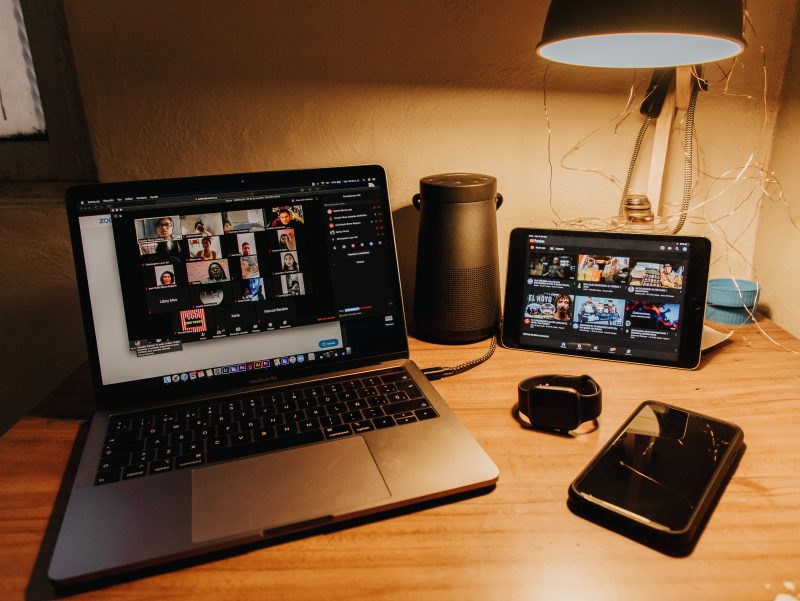
If you have been working from home during the Circuit Breaker period, you have probably used Zoom more than you know. In fact, we have been using Zoom to educate our preschool students. It is one of the leading video conferencing software applications on the market.

Zoom allows you to virtually interact with other people when in-person meetings and classes are not possible. This makes telecommunication easier and more convenient. It has essential features that are useful for small-scale and large-scale businesses. Moreover, it is a firm favorite with individuals who like to catch up with their friends. Interestingly, there was a Singaporean couple who ushered their wedding through Zoom. About 400 participants were in their Zoom room!

Zoom’s main features include one-on-one meetings, group conferences, and screen sharing. One-on-one meetings can be accomplished within unlimited time even with a free plan. Group video conferences, on the other hand, can last you up to 40 minutes with a free plan. Group video conferences can hold up to 100 participants for a free plan and 500 participants for a paid plan.

Lastly, my favorite Zoom feature is the screen sharing. It allows the participants to see what you can see. It is a helpful tool to have when teaching children.

#1: ZOOM CAN BE ACCESSED THRU BROWSER

Whether you have the Zoom app or not, you can access Zoom through the browser. For instance, you can join a meeting directly by using a Zoom web client link that looks something like this: zoom.us/wc/join/your-meeting-id.

#2: ZOOM HAS BROWSER EXTENSIONS

You can quickly schedule or start a Zoom meeting by adding a browser extension. There is a Zoom Chrome extension and Zoom Firefox add-on that lets you schedule a Zoom meeting via Google Calendar. The extension lets you schedule a meeting for a later time with all information about the meeting being sent via Google Calendar to make it easy for participants to join.

#3: ZOOM ENABLES YOU TO HIDE YOUR CLUTTER

If you are wondering how you can clean your room in a snap, stop worrying. Zoom’s virtual background lets you easily hide the flaws of your space. It enables you to assign a photograph that can best represent your style. Participants will not be confused or distracted by your messy room. Zoom swaps out your live background for preset ones like a stunning view of the Golden Gate Bridge or a view of outer space.

#4: ZOOM CAN TOUCH UP YOUR APPEARANCE

You do not need to spend countless hours in your vanity! Zoom can edit your appearance without putting any makeup on. Take a quick tour of the settings, and you will find “touch up my appearance”. This softening effect can hide small spots and zits that you may have on your face.

#5: ZOOM ALLOWS YOU TO SPLIT THE MEETING ROOM

When it comes to meetings, bigger is not always better. To avoid muting all the audio, the host can split a large meeting room into breakout rooms. This feature is not enabled by default. In fact, it requires you to access advanced settings. To enable it you must go to: Settings > General > View More Settings > In Meeting (Advanced) > Breakout Room.

Image Credits: unsplash.com

May these tips and tricks help you have the best Zoom hangout ever! 🙂

Sources: 1 & 2


Read More...